
SketchUp for Schools
3D design for every classroom
Browser-based SketchUp for primary and secondary schools signed up with Google Workspace for Education or Microsoft Education.
What is SketchUp for Schools?
SketchUp for Schools is the core SketchUp modeler, available in a web browser for any primary or secondary school signed up with Google Workspace for Education or Microsoft Education.
- Free for eligible K-12 schools
- Runs in the browser, Chromebooks included
- Sign in with school Google or Microsoft accounts
- Ready-made lessons and curriculum
Curriculum your students will love
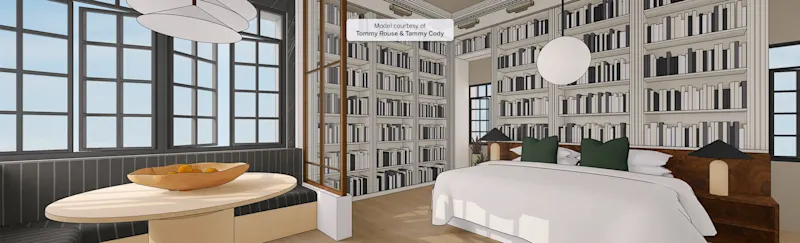
From designing a cabin to modeling the solar system, ready-to-teach lessons build spatial thinking, STEM and design skills.
- The building blocks of SketchUp
- Design your own cabin
- Model your solar system
- Design a little free library
Teacher training in the GCC
Medialogic helps schools across the region roll out SketchUp, from account setup to teacher workshops, so your classrooms get the most out of 3D design.
Ask about school training
Frequently asked questions
Is SketchUp for Schools really free?
Yes, for primary and secondary schools signed up with Google Workspace for Education or Microsoft Education.
What devices does it run on?
Any device with a modern web browser, including Chromebooks, Windows and Mac computers.
What about senior students preparing for university?
Students in higher education can use SketchUp for Higher Education, see our education plans.
Bring 3D design to your school
Contact Medialogic for help setting up SketchUp for Schools and training your teachers.