Studio subscription
For advanced workflows
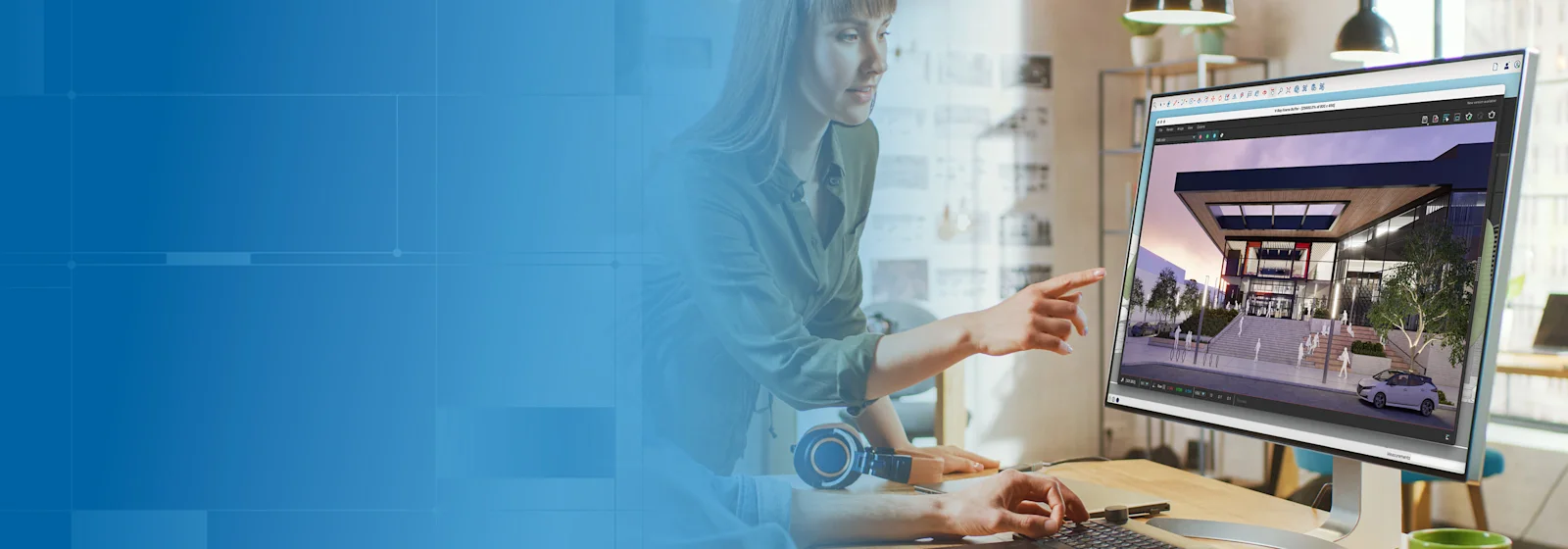
Create beautiful designs, backed by real-world data, with our most powerful subscription. Available for Windows only.
Studio Annual
$819.00 USD ≈ AED 3,013.92 per user / billed annually
What's new
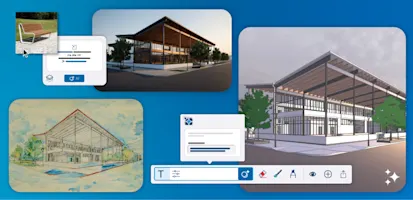
Get feedback fast and in context, without ever leaving SketchUp. Share live views, collect comments and keep every stakeholder aligned.
Learn more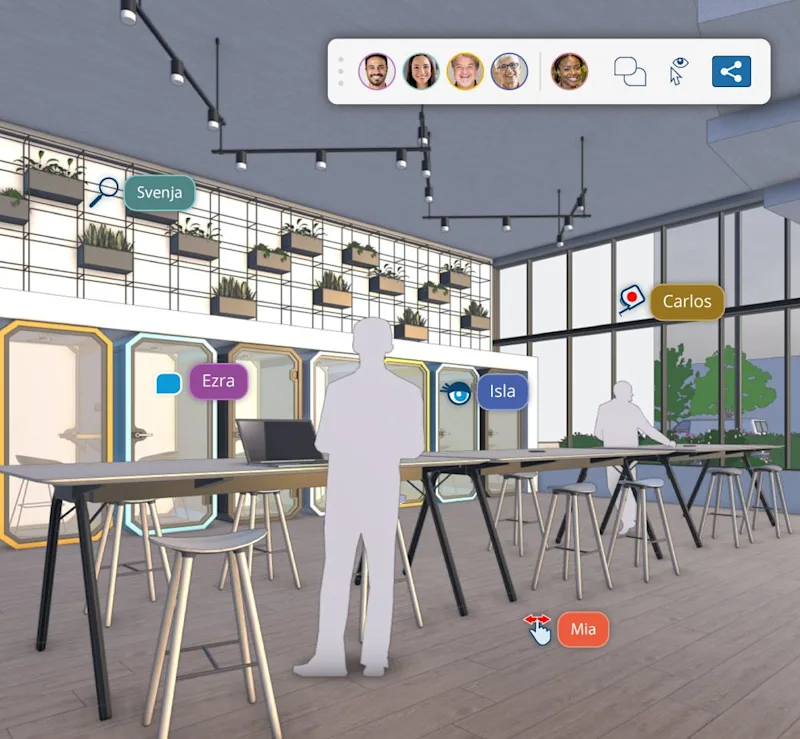

The perks of Studio
Model efficiently, customize your workflow with extensions, and create stunning deliverables for your next big idea.
- Everything in SketchUp Pro
- V-Ray for photoreal renders, animations and 360° panoramas
- Scan Essentials for point-cloud modeling
- Revit importer for BIM collaboration
Interoperable workflows
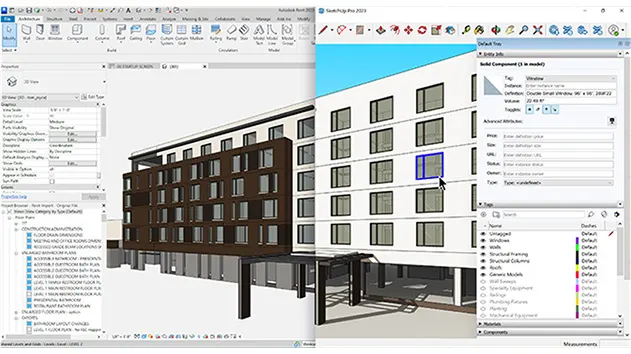
Efficiently move between SketchUp and other core modeling tools such as Revit to improve collaboration across teams and iterate across design phases.

Studio subscription
What's included
Advanced tools for importing Revit files and point clouds and generating photoreal renders.
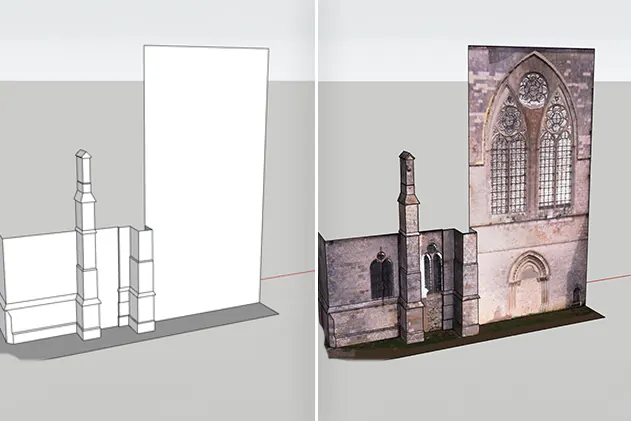
Import point clouds from terrestrial scanners, drones and photogrammetry, then model directly on top of real-world conditions.

Industry-leading rendering inside SketchUp, photoreal stills, animations and 360° panoramas for client presentations.
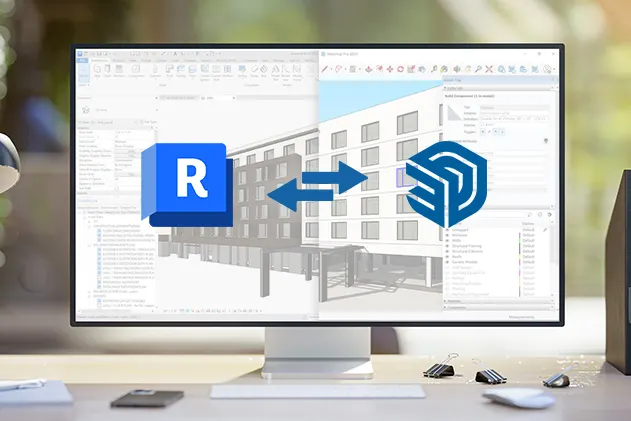
Bring Revit models and families into SketchUp as clean, lightweight geometry for fast iteration at any project phase.
Explore all the tools included in Studio
Compare plans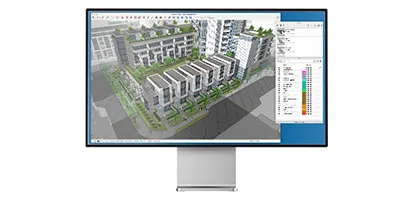
SketchUp for Desktop
Full-featured and extensible desktop modeler for creating 3D models, visuals, schedules, and more.
Learn more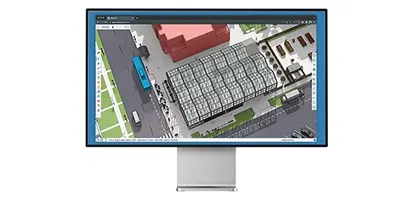
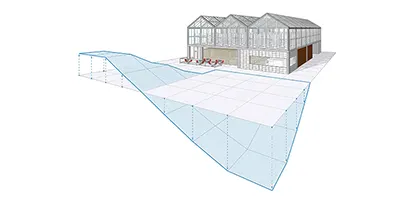
Site Contractor
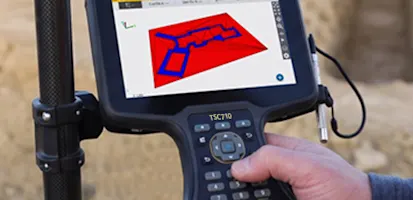
Easily transfer your SketchUp geometry into Siteworks for accurate stakeout or earthworks machine control for excavation workflows.
Learn more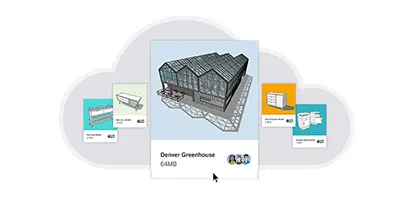
Trimble Connect
Unlimited cloud storage. Unlimited projects. Endless collaboration workflows.
Learn more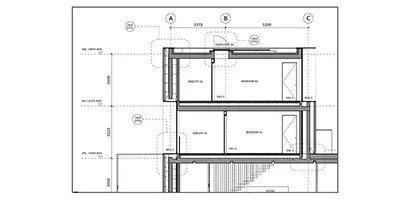
LayOut
Create rich 2D documentation that combines reference images, PDFs, and DWGs with 3D assets.
Learn more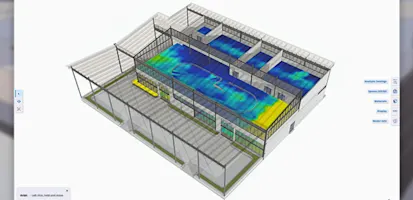
How to leverage Studio
Discover what's possible with the SketchUp ecosystem of tools.
Pull in point clouds from terrestrial scans, photogrammetry, lidar sensors, mobile mapping, and drone captures to build your design accurately.

Bring your ideas to life with photorealistic renders, animations, and panoramas.

Share specific design views with stakeholders to fast-track decisions. Smooth imports and exports make it easy to share files between teams and across software.
In-app commenting and real-time viewing make it easy to capture feedback and ensure everyone stays on track during presentations.

“A few inches off is a problem in our world. Point cloud data is the only way to deliver an efficient and accurate project, and I advocate for using the technology every time.”
SketchUp Studio customer
Frequently asked questions
Does Studio run on Mac?
SketchUp Studio is Windows-only because V-Ray, Scan Essentials and the Revit importer require Windows. Mac users can choose SketchUp Pro.
Can I upgrade from Pro to Studio?
Yes, contact the Medialogic sales team and we will advise on upgrading your existing Pro subscription.
Do you invoice in AED with VAT?
Yes. Medialogic invoices locally in AED or USD. UAE customers are charged 5% VAT; other GCC countries follow their local tax rules.
Is training available?
Medialogic offers onboarding and training for SketchUp, V-Ray and Scan Essentials for individuals and teams across the GCC.
Ready to get SketchUp Studio?
Contact Medialogic, your authorized SketchUp distributor for GCC & MENA, for local pricing, licensing, and support.