Pro Civil Contractor subscription
Accuracy from design to digging
Achieve earthmoving accuracy with 3D design aligned to real field conditions. Connect data across survey tools, machine operations and models to cut costly rework and protect your margins.
SketchUp Pro + Site Contractor
Pricing tailored to your team, contact Medialogic for a quote in USD or AED.
What’s new
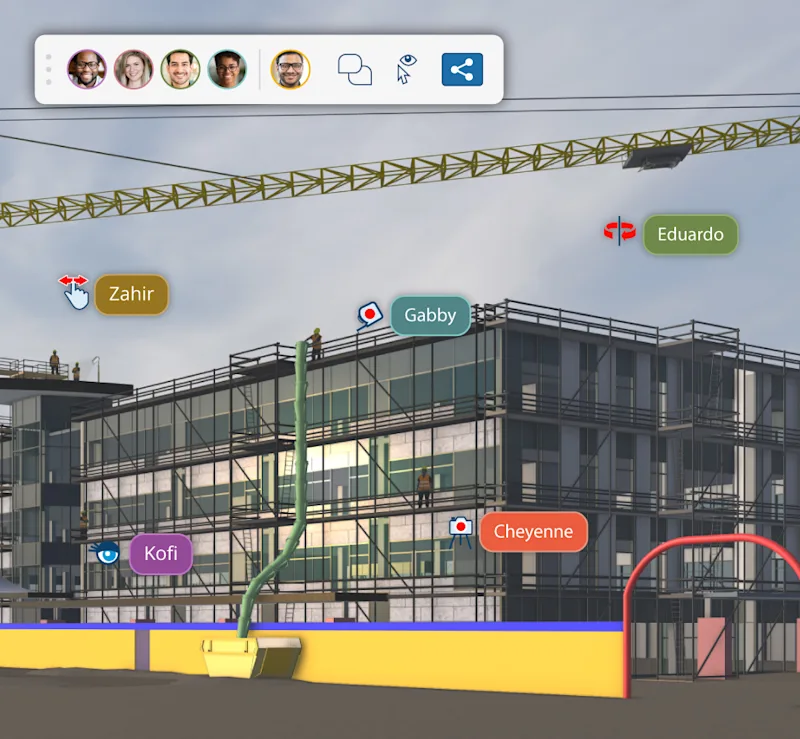
Get feedback fast and in context, without ever leaving SketchUp. Team activity is tagged right on the model, so everyone sees exactly where comments and captured data points belong.

The perks of Pro Civil Contractor
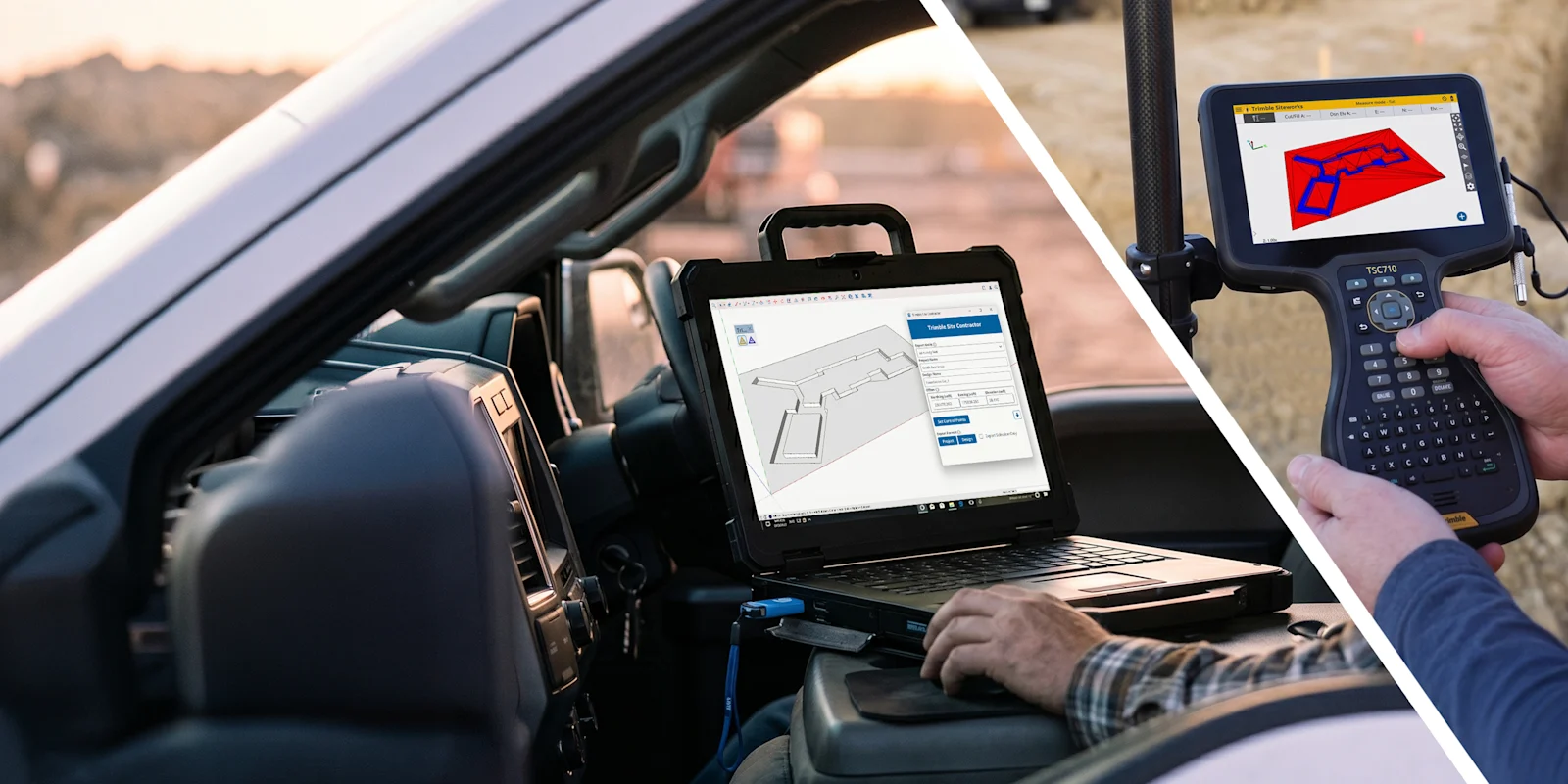
Smaller contractors often prefer SketchUp to more complex design software because it is simpler and more intuitive for coordinating dirt work and foundation design. Bridge the gap between the 3D model and the raw terrain, so building layouts are set out correctly in the field the first time, protecting both profit and timelines.
Connect 3D models with Trimble Siteworks
Bridge the gap between 3D models and field operations: translate design intent into accurate, machine-readable, field-ready site data.
- Coordinate dirt work and foundation design with intuitive 3D modeling
- Export 3D geometry directly to the Trimble Siteworks ecosystem
- Import known, geolocated points from Siteworks work orders as precise model references
- Establish control points to guide field stakeouts and earth movement layout
- Connect data across survey tools, machine operations and 3D models
Connect model data to jobsites
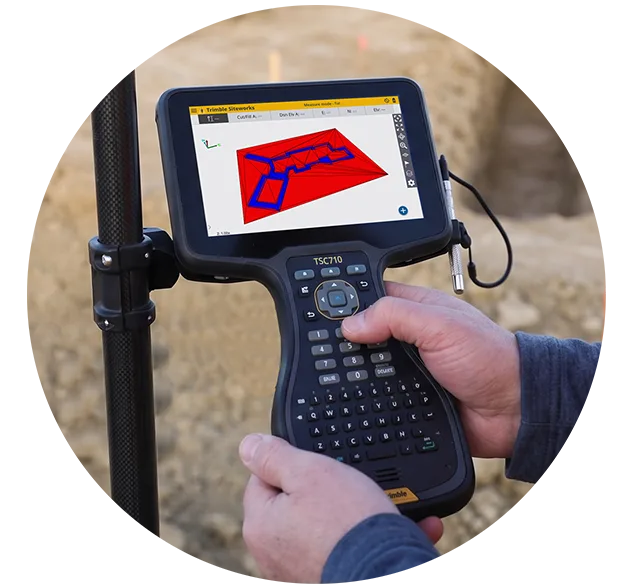
Position building layouts correctly in the field the first time.
Model with topography
Generate accurate 3D terrain quickly for earth movement modeling, volume calculations and site logistics.
Bring accuracy to site operations
Upload the 3D design into Siteworks to guide the stakeout of control points and the excavation layout.
Dig with confidence
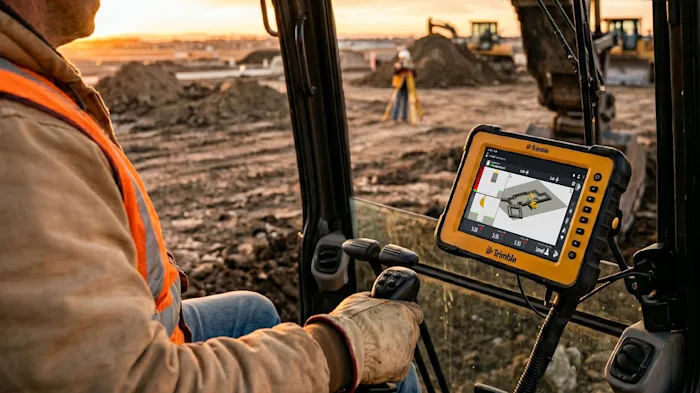
Convert SketchUp surfaces into high-fidelity designs for Trimble Earthworks machine control systems on excavators.
Pro Civil Contractor subscription
What's included
Hard-working tools for precision and healthy profit margins.
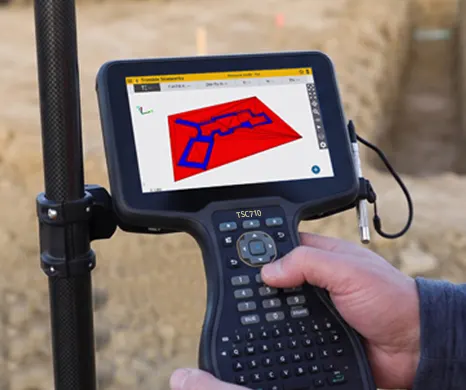
Connect 3D models with the Siteworks ecosystem and send design geometry to the field.
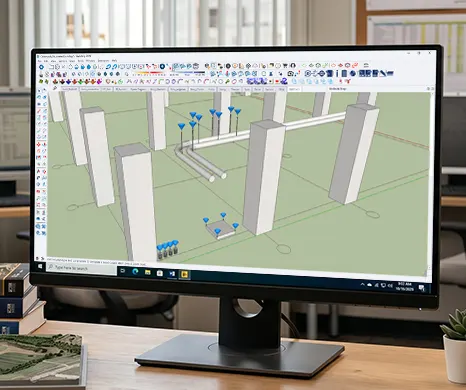
Bring known, geolocated survey points into SketchUp as precise references for your design.
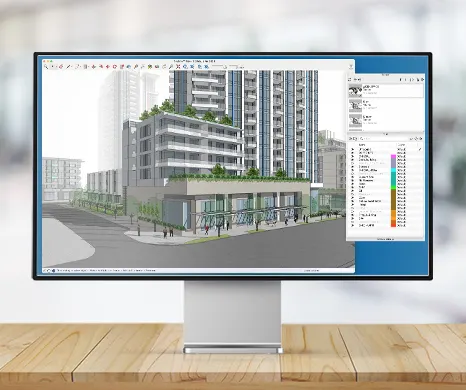
The full-featured desktop modeler with extensions, LayOut documentation and IFC/DWG compatibility.
Explore all the tools included in Pro Civil Contractor
Compare plans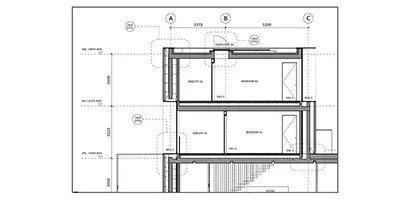
LayOut
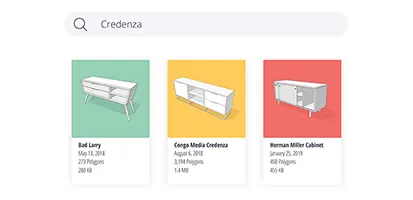
Create rich 2D documentation that combines reference images, PDFs, and DWGs with 3D assets.
Learn more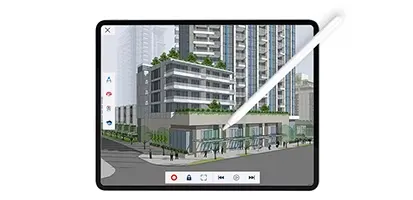
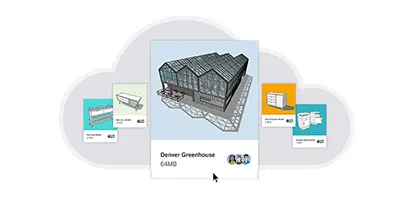
Trimble Connect
Unlimited cloud storage. Unlimited projects. Endless collaboration workflows.
Learn more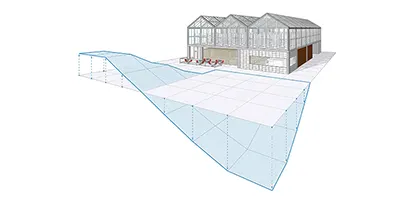
Add Location
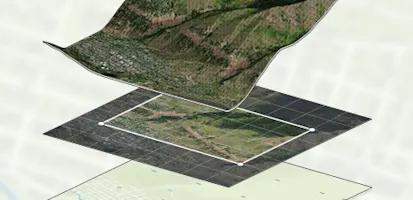
Real-world site context for your real-world project: import terrain and imagery straight into your model.
Learn moreHow to leverage Pro Civil Contractor
Unlock a 3D-to-field workflow.
Align dirt work and design by accurately modeling earthmoving geometry with the SketchUp 3D toolset.
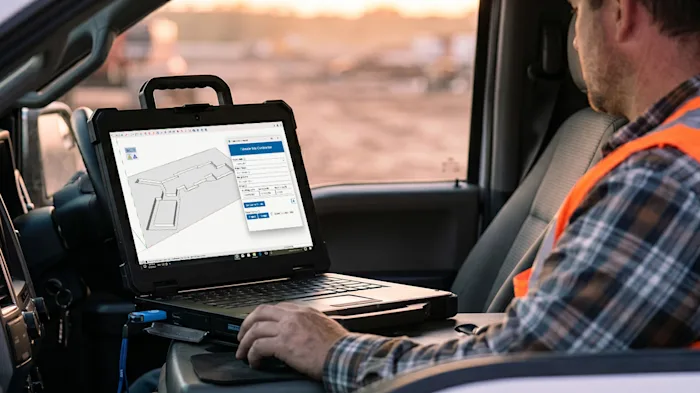
Import geolocated points from Siteworks work orders and use them as precise references in the model.
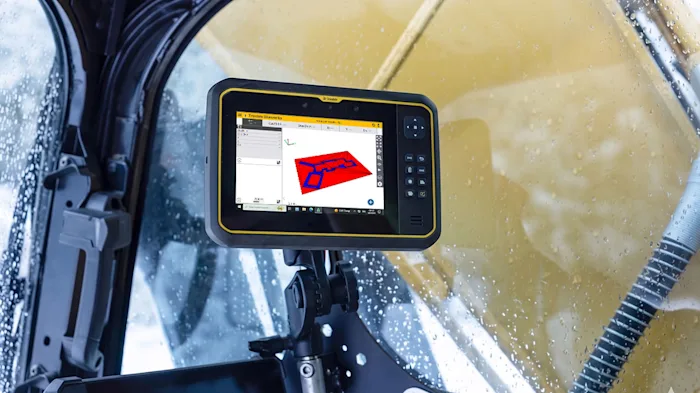
Turn SketchUp surfaces into machine-ready designs so excavators dig to the right level the first time.
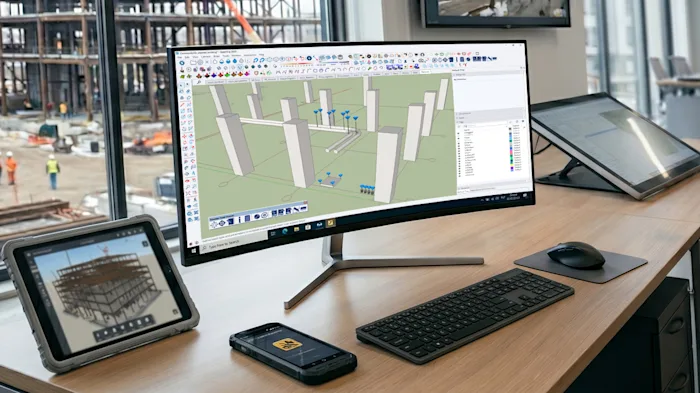
Use extensions that keep data points consistent across field, office and machinery, so everyone works from the same numbers.
“The SketchUp and Siteworks integrated workflow saved us $25k to $30k by eliminating time-consuming manual measuring and costly rework. It allowed us to quickly verify footing and pad locations, catching measurement errors before they turned into misplaced structural elements.”
Eric Rudd, Owner at Rudd Construction
Frequently asked questions
Who is Pro Civil Contractor for?
Site and civil contractors, earthworks and foundation teams who want a simple 3D tool for dirt work, stakeout and excavation, connected to Trimble Siteworks and Earthworks systems in the field.
How is it different from Pro?
You get everything in SketchUp Pro, plus Site Contractor and Field Points for moving data between the model and survey or machine control equipment.
Do I need Trimble field equipment?
To stake out or guide machines from the model you need Siteworks or Earthworks systems. The modeling and terrain tools work on their own. Our team can advise on your current equipment.
How do I buy it in the GCC?
Contact Medialogic for pricing in AED or USD, volume licensing and onboarding. We are the authorized SketchUp distributor for the region.
Ready to take your models from design to digging?
Contact Medialogic, your authorized SketchUp distributor for GCC & MENA, for local pricing, licensing, and support.