
SketchUp 2027 · October 2026
SketchUp's newest design tools
Design at the speed of your ideas. The latest version of SketchUp introduces native, non-destructive modeling for quick iteration with familiar design tools that give you more time to explore, find the ideal solution and realize your vision.
Modeling that keeps up with your ideas
Explore your industry
Discover how new workspace organization, faster file loading, non-destructive modeling and greater import and export control speed up your industry's unique workflows.
Reshape multi-layer walls, array site furniture and carve building forms with the freedom to change your mind and iterate without rebuilding. Stay on pace with detailed documentation and experience a stable, consistent interface across Mac and Windows.
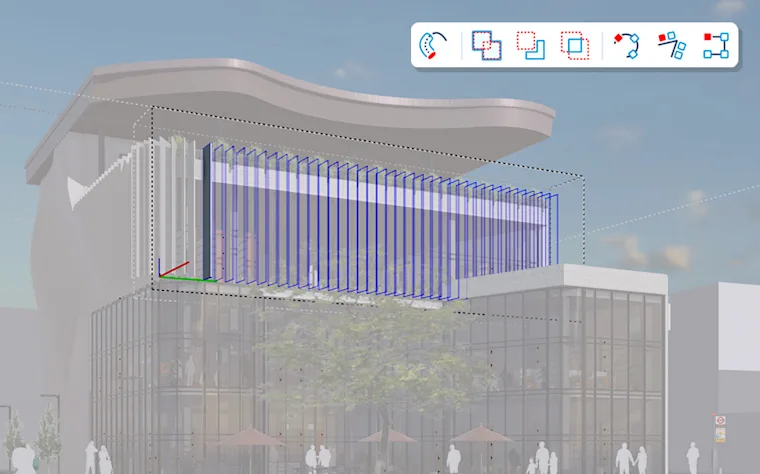
Design trim, molding and cladding non-destructively, iterating on custom details without rebuilding from scratch. Fine-tune presentation images directly in LayOut and navigate multiple open files with a consistent interface across Mac and Windows.
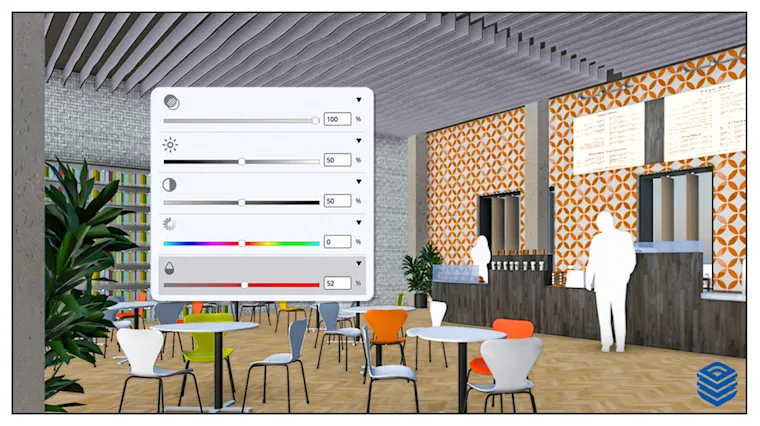
Adjust wall assemblies on the fly while keeping every layer modifiable. Produce accurate technical construction drawings faster, draft in 2D without page constraints and compare details efficiently across multiple open files.
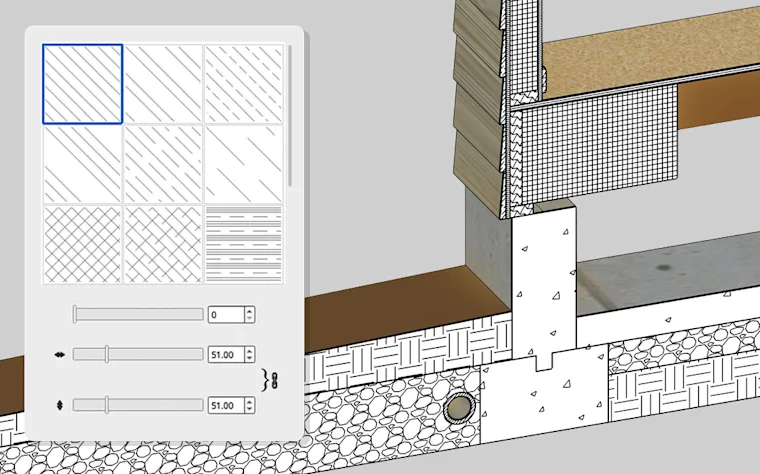
Make store rollouts smoother with quicker revisions based on stakeholder feedback and editable fixture arrays for freer iteration, quicker technical detailing and faster file exports.
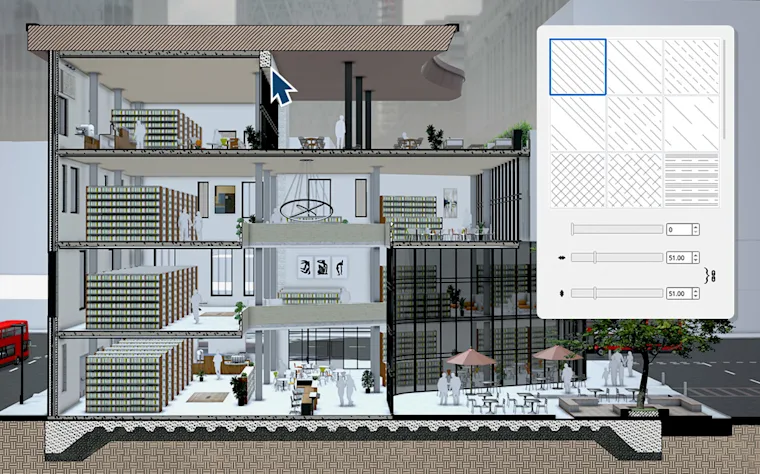
Array and modify site furniture and landscape elements freely, plus navigate documentation faster than ever across standard file formats for efficient iteration and streamlined sharing.
Modeling that keeps up with your ideas
SketchUp's newest capabilities drop seamlessly into your workflow. Non-destructive design tools, faster documentation and file exports, and a modern, organized workspace power your momentum from first concept to final deliverable.
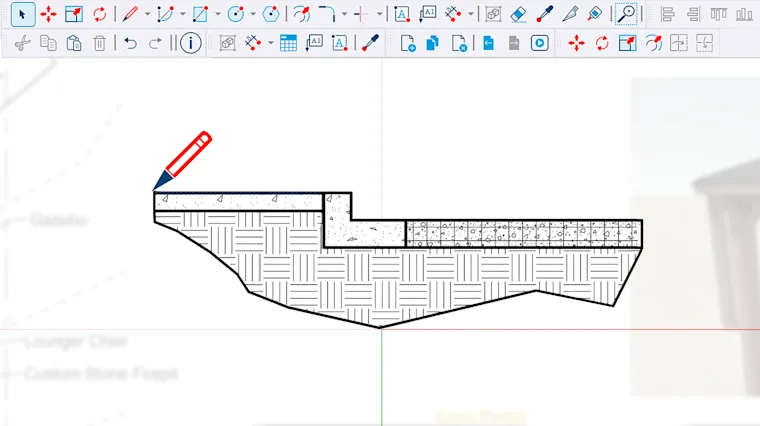
Iterate faster with native, non-destructive modeling in tools you already know. Refine your model without rebuilding geometry, plus new parametric objects automatically fit to faces in your model, and section cuts convey accurate material hatch patterns.

Your software should move as fast as you do. Improved graphics offer peak speed in file loading, rendering and exports. Draw Mode lets you draw in 2D with total freedom from page constraints, and in-app image adjustments mean you can do more in LayOut.
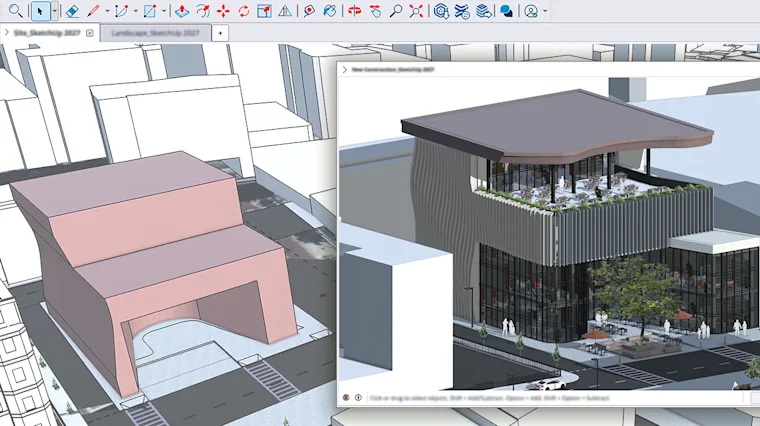
Experience a consistent interface and feature set plus rock-solid stability across Mac and Windows. Dynamic multi-file control lets you navigate quickly between models for streamlined editing and customize your tools with a new workspace organization.
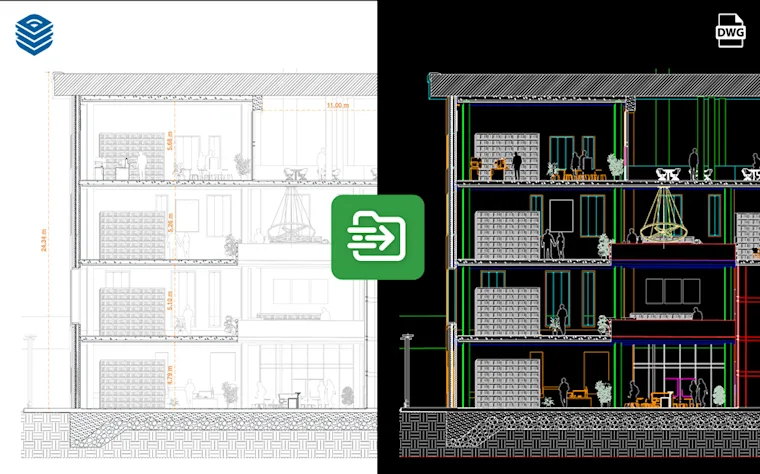
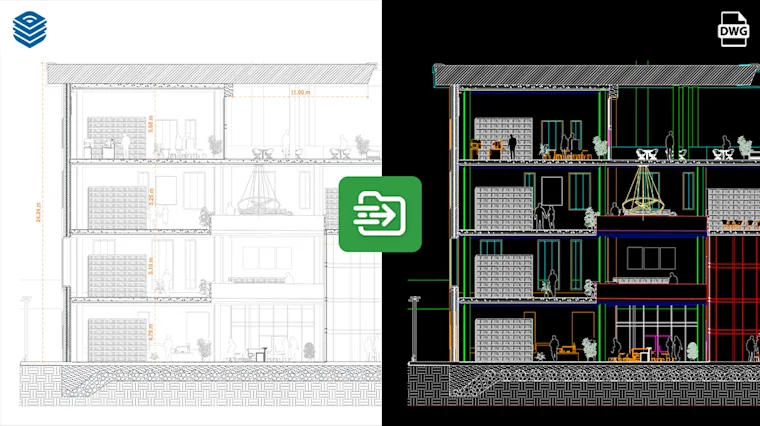
Accelerate design-to-documentation workflows across the file formats your team already relies on. Stronger CAD, BIM and 3D integrations keep geometry and data intact, so sharing models between software stays fast and friction-free.
New features by plan
Go
Included in this plan
- Procedural Tools
- Modernized Mac UI
- AutoFit Live Components
- Multi-model management
- Faster LayOut exports and views
- Paperless Canvas in LayOut
- LayOut viewport image editing
Pro
Included in this plan
- Procedural Tools
- Modernized Mac UI
- AutoFit Live Components
- Multi-model management
- Faster LayOut exports and views
- Paperless Canvas in LayOut
- LayOut viewport image editing
Studio
Included in this plan
- Procedural Tools
- Modernized Mac UI
- AutoFit Live Components
- Multi-model management
- Faster LayOut exports and views
- Paperless Canvas in LayOut
- LayOut viewport image editing


Frequently asked questions
I don't have a SketchUp subscription. How can I access these features?
Explore our plans to find the right fit, every subscription includes the latest features. Medialogic can quote in AED or USD and help you choose. View plans or start a trial.
I'm a SketchUp subscriber. How do I update to the latest version?
Subscribers can update immediately from within SketchUp or their SketchUp account. Need help updating a team or a whole office? Contact Medialogic support and we'll walk you through it.
Where can I learn more about the new features?
Read the product release articles on our blog, or join a Medialogic training course to get hands-on with the new tools.
What are the hardware requirements?
SketchUp requires specific hardware and software to run well. Note: SketchUp 2027 needs Apple Silicon on Mac and Windows 11 on PC; on Intel Macs or Windows 10 and earlier, install SketchUp 2026. See Resources for system requirements, or ask our team for a recommendation for your machines.