
SketchUp for iPad
Design anything, anywhere
On site, on the go and in the office, sketch, model and mark up in 3D with Apple Pencil and multi-touch.
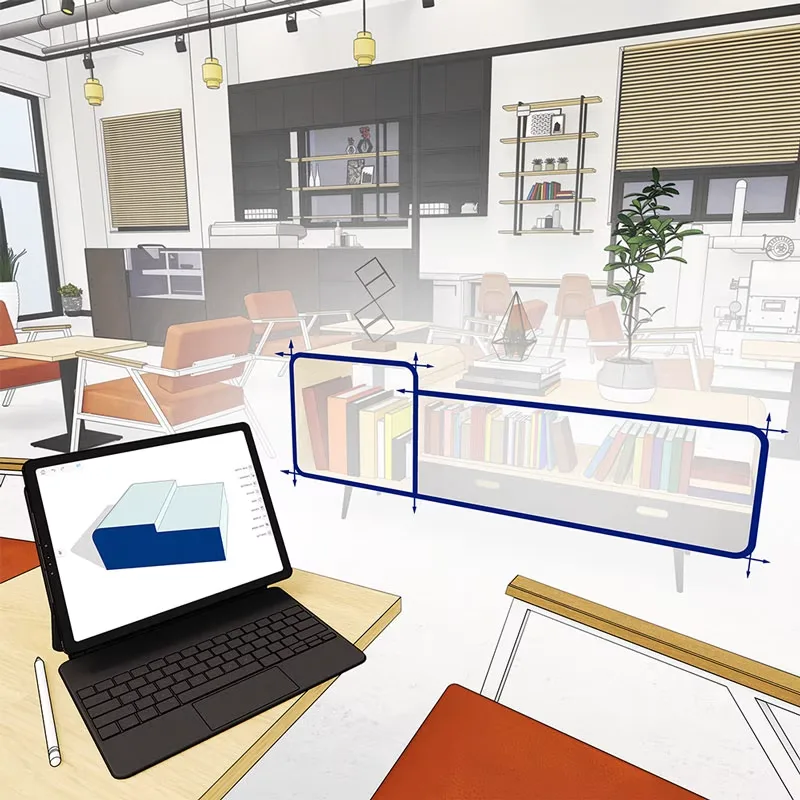
Create when inspiration strikes
Brilliant ideas don't always hit you when it's convenient, a mobile 3D drawing space makes it possible to get work done wherever you are.
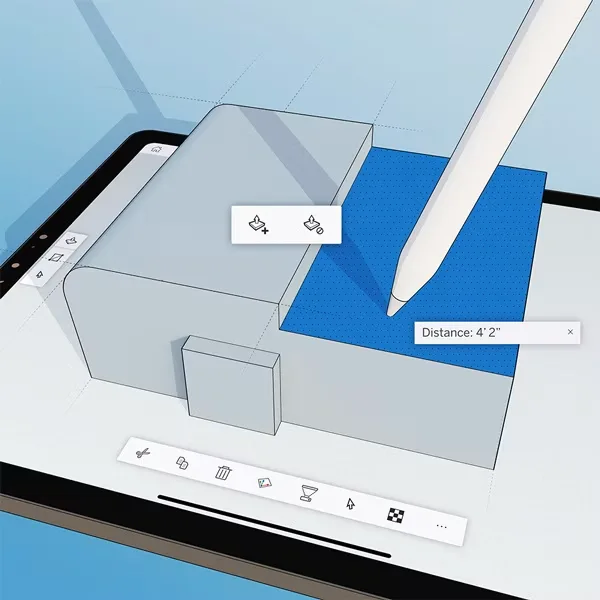
Mark up and move projects forward
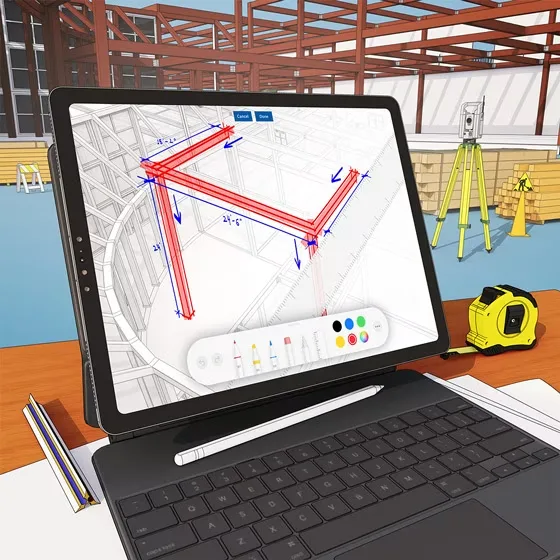
Quickly redline 3D models, make field edits on the fly and sync your changes to the cloud to keep stakeholders aligned, ideal for site visits.
Always connected
Trimble Connect keeps files in sync across devices and SketchUp modelers, online or offline, take your work wherever you go.
Features you’ll love
Just draw mode
Sketch freely with Apple Pencil and let SketchUp recognize shapes.
AR viewing
Place models in the real world at full scale.
AutoShape
Turn quick sketches into clean geometry.
Markup mode
Redline models and drawings for fast feedback.
Live Components
Configure parametric objects in seconds.
Add Photo Texture
Apply real photos to faces of your model.
Get SketchUp for iPad
Included in SketchUp Pro and Studio.
SketchUp Pro
A complete toolkit for professional design
$399.00 USD / year ≈ AED 1,468.32
SketchUp Studio
For advanced visualization & BIM workflows
$819.00 USD / year ≈ AED 3,013.92
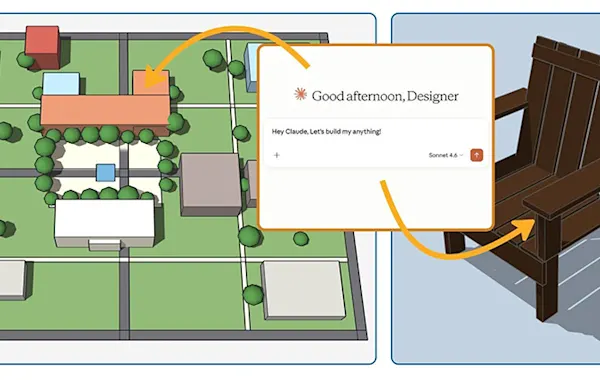
Ready to get started?
Contact Medialogic, your authorized SketchUp distributor for GCC & MENA, for local pricing, licensing, and support.