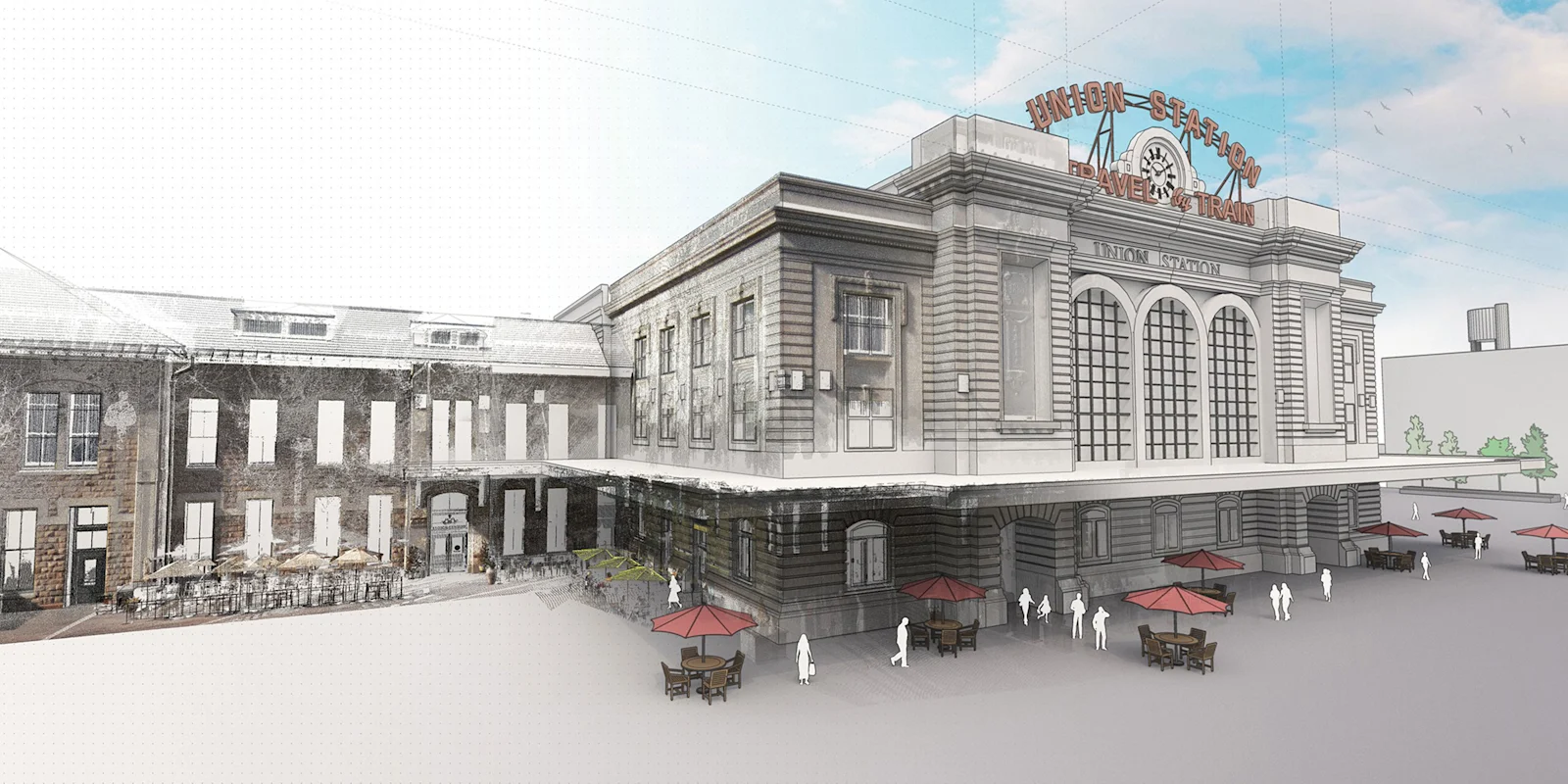
Scan Essentials
Turn point clouds into 3D models
Import scan data and model accurate as-built conditions directly in SketchUp. Included in Studio and Pro Scan (Windows only).
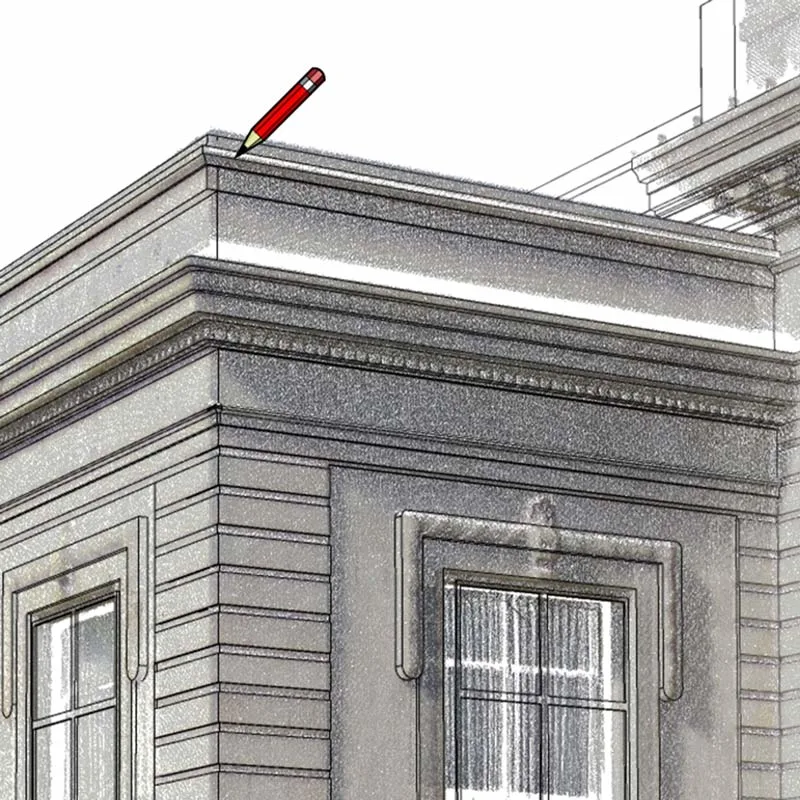
Direct modeling
Draw and snap directly onto your point cloud using SketchUp's native toolbox and accurately translate it into a 3D model. Lock onto a single plane for added precision.
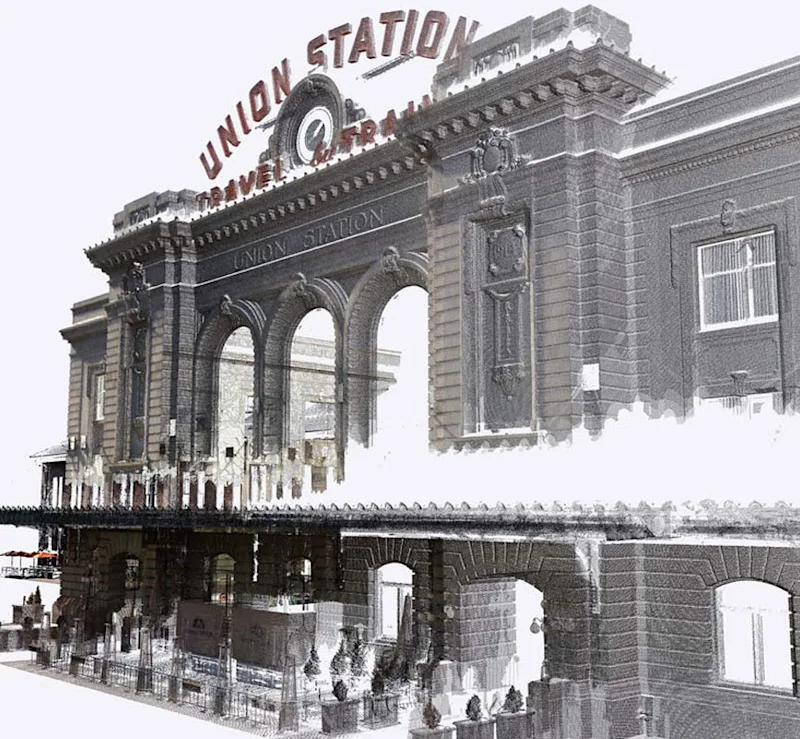
3D scanning perks
Plan with real-world context to improve accuracy, reduce site visits, enhance safety and minimize rework on renovation, fit-out and survey projects.
Features you’ll love
Point cloud import
Bring in data from terrestrial scanners, drones and mobile mapping.
Inspection tool
Compare your model against the scan for accuracy.
Texture Projection
Generate materials from point cloud colors.
Scene management
Control how point clouds display in each scene.
Shared coordinates
Keep scans and models aligned to real-world positions.
Point Cloud Manager
Organize, crop and optimize large datasets.
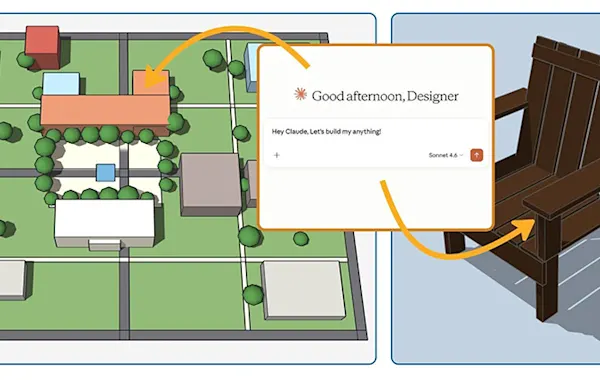
Ready to model from scan data?
Medialogic can help you choose between Studio and Pro Scan and train your team on scan-to-model workflows.