Keep projects moving with quicker design decisions
Bring your ideas to life, clearly, efficiently, and with confidence
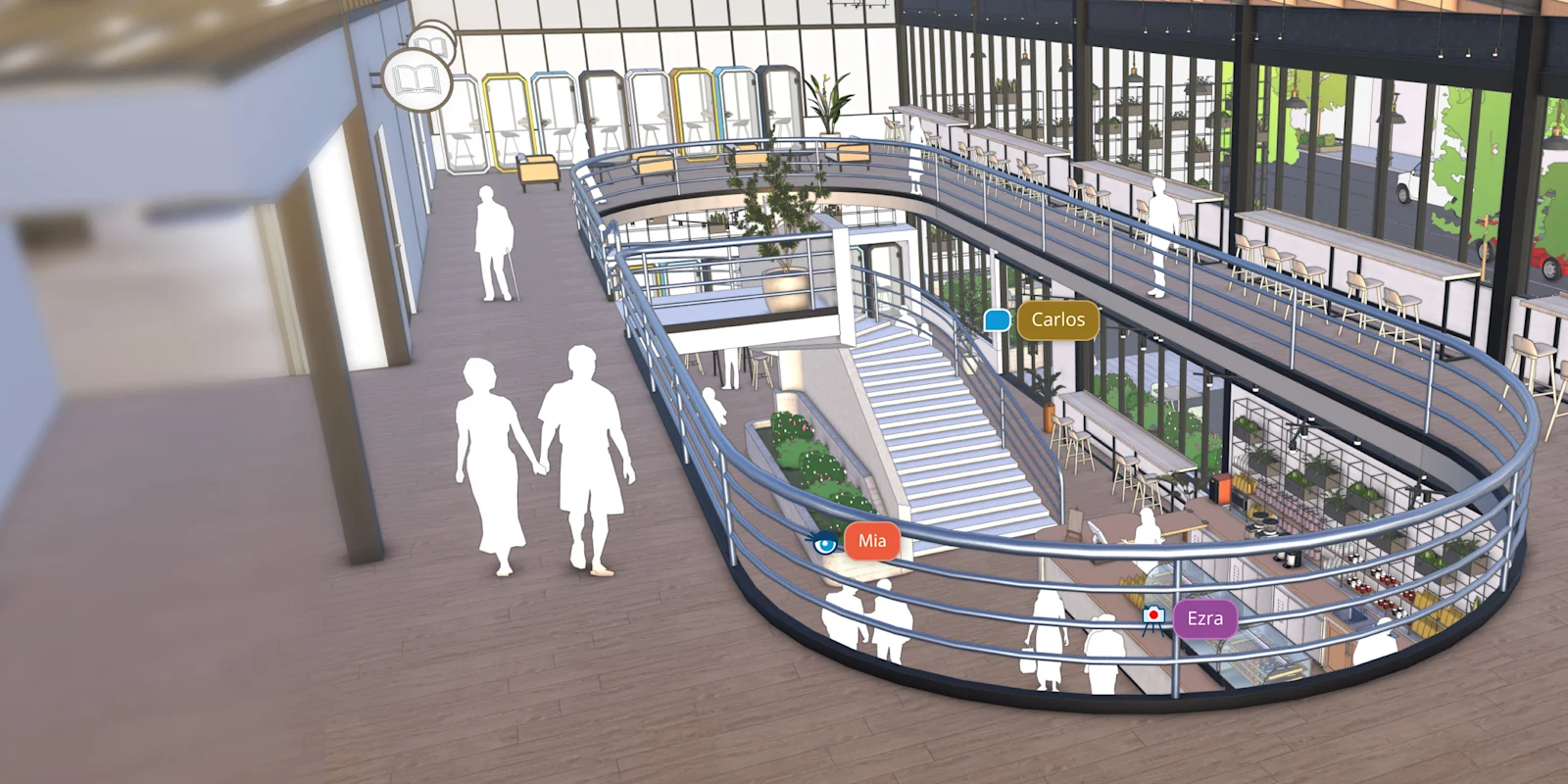
Engage clients and stakeholders directly in your 3D models. Built-in comments and instant viewer updates foster dynamic conversations and ensure everyone is confident in the latest design iterations.
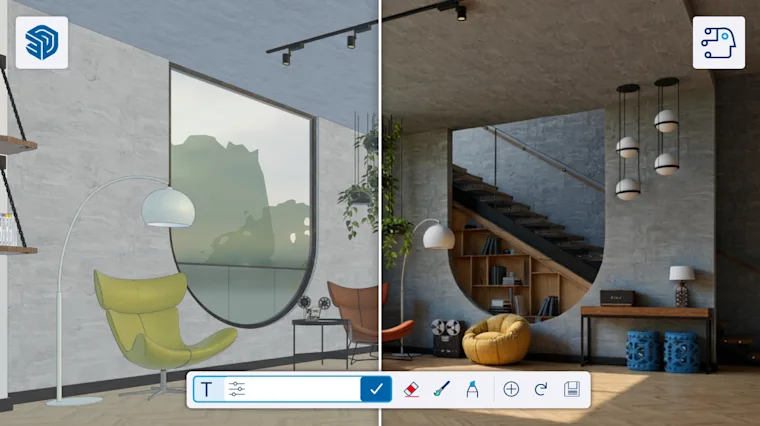
Present interior concepts with greater clarity. Share photorealistic renders and walkthroughs directly from SketchUp, collect client feedback without ever leaving your design environment.
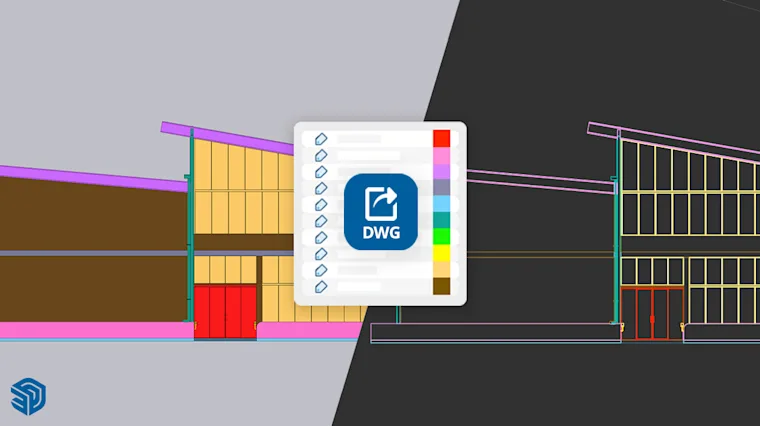
Bridge design intent and construction reality. Export to DWG with layers intact, generate precise documentation in LayOut, and keep your entire project team aligned through every phase.
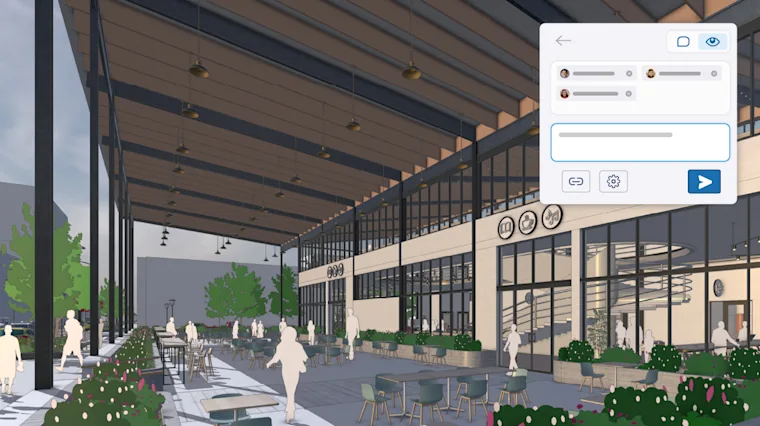
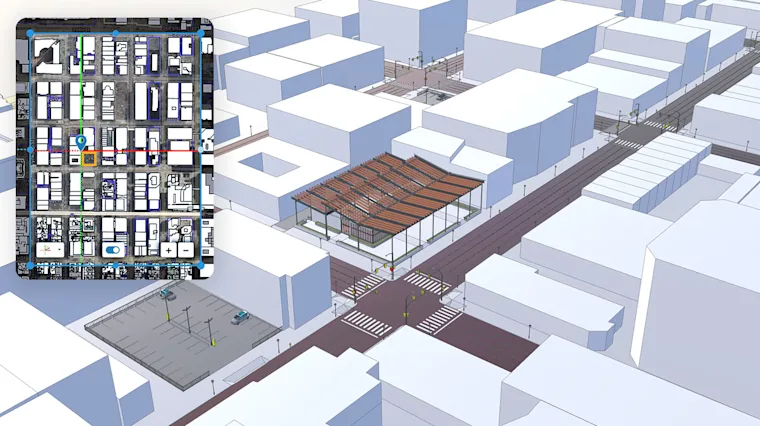
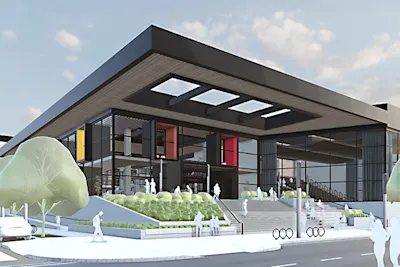
Design compelling retail environments and visualize them in their real-world context. Import surrounding 3D buildings via Add Location, then share immersive walkthroughs directly with brand teams and stakeholders.
Fast-track feedback directly within SketchUp
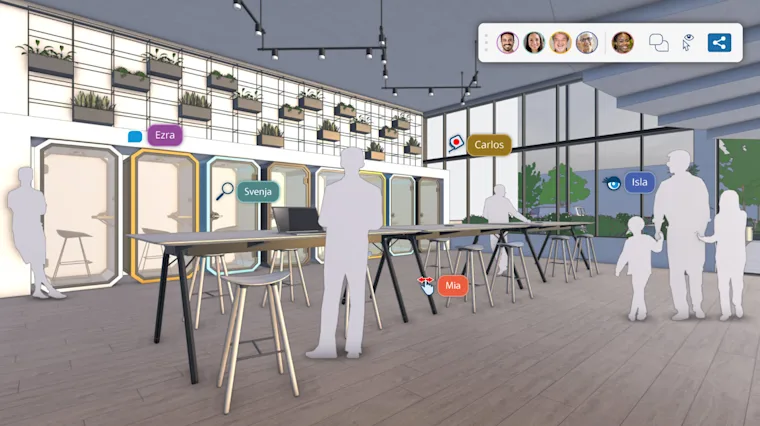
Share, view, and comment
Centralize design feedback to easily advance design decisions. Create comment threads, upload images and camera views, and add emojis. Share from SketchUp for Desktop to view on the web.
Real-time collaboration
Work simultaneously with your team on the same model. See who's viewing, leave comments in context, and keep all stakeholders aligned without leaving SketchUp.
Streamlined sharing controls
Control exactly who sees your models. Set permissions, share via link, and manage access from within SketchUp, no external tools required.
More flexible and professional tools for documentation
Experience more professional, flexible drawing and documentation with new 2D drafting tools and the DWG support you've been asking for. Coupled with a modernized interface (Windows-only), accomplish more in LayOut.

New tools
DWG support
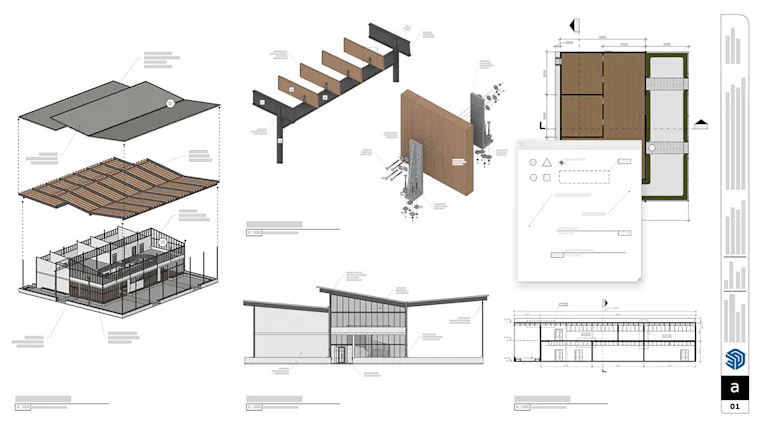
New UI framework
Craft stunning visuals with enhanced precision
Advanced visualization control
Refined visualization capabilities offer more precise stylistic control and new options to tailor materials to your unique designs. Plus, a new Diffusion (Labs) increases control of AI-generated imagery for ultra-fast realistic project imagery.
Easily add real-world context to your model
Improved site context
Work more efficiently with scan data and site context. Scan Essentials now simplifies generating meshes from point clouds and has new tools for visual outputs. Plus, Add Location updates let you import existing buildings as 3D geometry natively.
New features by plan
Pro
New in Pro
- Sharing & Commenting
- Ambient Occlusion color
- 3D Buildings in Add Location
- New drafting tools and DWG support
- Workspace improvements (Windows-only)
Studio
Everything in Pro, plus
- Texture Projection from point clouds
- New Surface Mesh tool
- Enhanced point cloud transformations
Frequently asked questions
I don't have a SketchUp subscription. How can I access these features?
Explore our plans to find the right fit, every subscription includes the latest features. Medialogic can quote in AED or USD and help you choose. View plans or start a trial.
I'm a SketchUp subscriber. How do I update to the latest version?
Subscribers can update immediately from within SketchUp or their SketchUp account. Need help updating a team or a whole office? Contact Medialogic support and we'll walk you through it.
Where can I learn more about the new features?
Read the product release articles on our blog, or join a Medialogic training course to get hands-on with the new tools.
What are the hardware requirements?
SketchUp requires specific hardware and software to run well. Note: SketchUp 2027 needs Apple Silicon on Mac and Windows 11 on PC; on Intel Macs or Windows 10 and earlier, install SketchUp 2026. See Resources for system requirements, or ask our team for a recommendation for your machines.